


Description
Product Overview
This Kindle eBook is a focused guide on keyboarding, designed to help users develop efficient typing skills. It includes 22 pages of content in English, optimized for digital reading with features like enhanced typesetting and screen reader compatibility. The publication date is October 11, 2024, and it supports unlimited simultaneous device usage, making it accessible anytime, anywhere. With a file size of 15.1 MB, it’s lightweight and quick to download, ideal for learners seeking to improve productivity through better keyboard mastery.

Usage
This eBook is perfect for various environments, including home, school, and office settings, where improving typing efficiency is essential. It targets beginners learning basic keyboarding, as well as professionals aiming to refine their skills for faster data entry or communication. Occasions like self-paced study, training sessions, or daily practice make it a versatile tool for enhancing computer literacy and reducing errors in typing tasks.
Why Choose Us
Our eBook stands out due to its concise, actionable content that avoids fluff, delivering straight-to-the-point keyboarding techniques. It leverages Amazon’s robust platform for reliable access and updates, with features like page flip for seamless navigation. The focus on accessibility, including screen reader support, ensures inclusivity for all users, while the enhanced typesetting improves readability, making learning comfortable and effective without overwhelming the reader.
Key Features
- 22-page focused guide for quick mastery of keyboarding fundamentals
- Enhanced typesetting for improved readability and reduced eye strain
- Screen reader support to accommodate users with visual impairments
- Unlimited simultaneous device usage for flexible learning across multiple gadgets
- Lightweight 15.1 MB file size for fast downloads and easy storage
FAQ
What devices can I use to read this eBook?
You can read it on any device that supports Kindle apps, including smartphones, tablets, and computers, with unlimited access across multiple devices.
Is this eBook suitable for complete beginners?
Yes, it’s designed to start from basics, making it ideal for beginners while offering tips that benefit more experienced users too.
Does it support accessibility features?
Absolutely, it includes screen reader support and enhanced typesetting to aid users with different needs for a comfortable reading experience.
How long does it take to complete the guide?
With 22 pages, it can be finished in a few hours, allowing for quick learning and immediate application of keyboarding skills.
Can I share this eBook with others?
No, it’s intended for personal use per Amazon’s terms, but unlimited device usage lets you access it on your own gadgets freely.
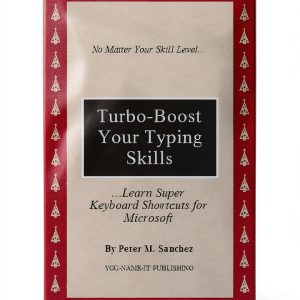


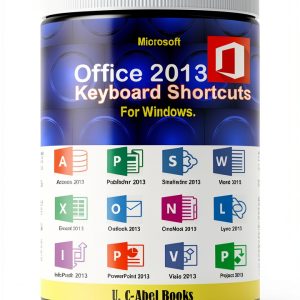
 Kindle eBook English Language 11 Pages Enhanced Typesetting
Reviews
There are no reviews yet.