


Description
Product Overview
This Kindle eBook provides a focused introduction to keyboarding, covering essential techniques, finger placement, and speed-building exercises. Designed with enhanced typesetting, the text is crisp and easy on the eyes, making learning comfortable on any device. At 29 pages and a compact 177 KB file size, it delivers high‑value content without overwhelming the reader.
Usage
Perfect for home study, classroom settings, or on‑the‑go practice, the guide fits seamlessly into daily routines. Whether you are a student preparing for computer literacy exams, a professional needing faster data entry, or a senior learner embracing digital tools, the step‑by‑step lessons adapt to various skill levels. 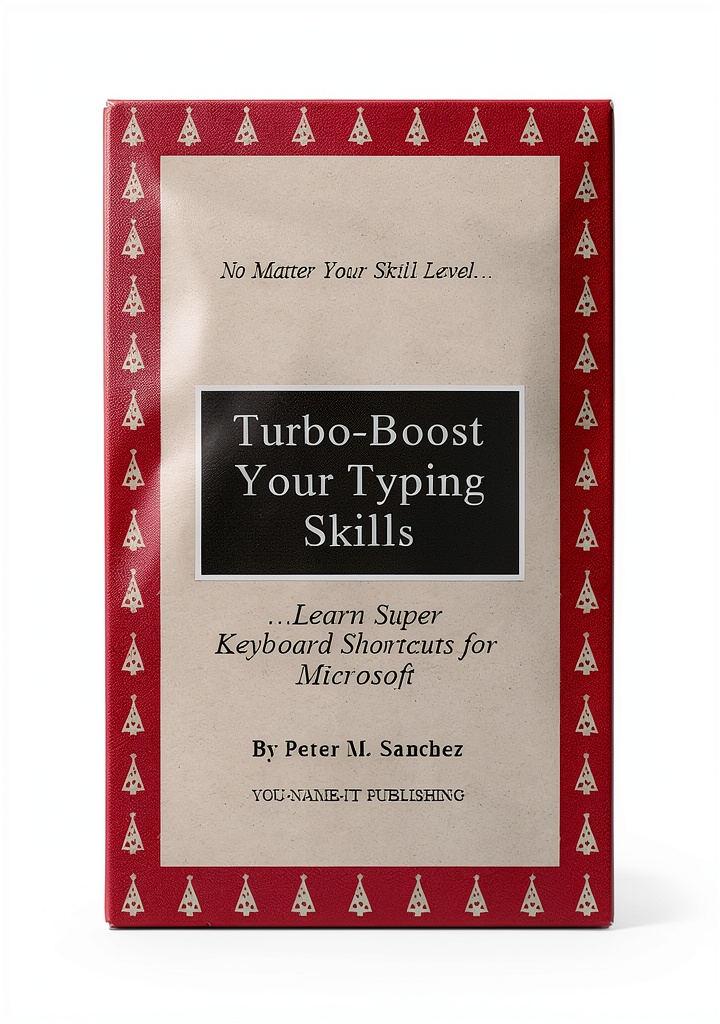
Why Choose Us
Our eBook stands out with Amazon’s reliable Kindle platform, ensuring instant access and seamless syncing across devices. The enhanced typesetting feature improves readability, reducing eye strain during extended practice sessions. Backed by a 5‑star customer rating, the content reflects accurate, up‑to‑date keyboarding standards.
Key Features
- Clear, enhanced typesetting for comfortable reading on any screen
- Step‑by‑step keyboarding lessons suitable for beginners
- Compact 29‑page format for quick reference and easy navigation
- Page‑flip enabled for smooth scrolling through exercises
- Supported by screen readers for accessibility compliance
FAQ
Is this eBook compatible with all Kindle devices?
Yes, the file works on all Kindle models and can be read on the Kindle app for iOS and Android.
Do I need prior computer experience to use this guide?
No prior experience is required; the book starts with basic finger placement and builds up to faster typing techniques.
Can I print the pages for offline practice?
The Kindle format does not support direct printing, but you can use the Kindle app’s export feature to create a PDF for personal use.
Is the content updated for modern keyboards?
The lessons focus on standard QWERTY layouts, which are used on virtually all contemporary keyboards.
How does the enhanced typesetting improve learning?
Enhanced typesetting adjusts spacing and font rendering, making the text clearer and reducing eye fatigue during long study sessions.



 The Little Things Kindle eBook - Book 1 of 6 Romance Series by Author
Reviews
There are no reviews yet.